AutoCAD 2006 has a few little enhancements that may help the icon challenged among us. Like remembering which icon does what.
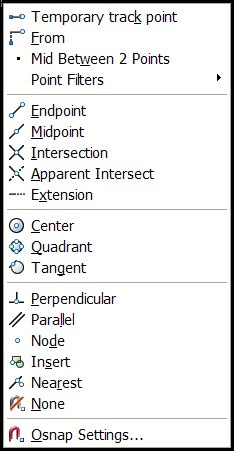
They have added the icons for OSNAPs to the Shift+Right Click function.
Hold down the Shift Key and Right Click and you will see the icons next to the options.

 Loading ...
Leave a Reply